Compare leading video models in one place
Veo 3.1, Veo 4, Veo 3, and Sora 2 can all be reached from the same landing flow, which is better for first-time visitors than forcing route-level decisions too early.
Create cinema-quality videos from prompts or images with all the leading models. Describe your scene with a simple prompt or add image references, and the AI video generator delivers stunning results that stay true to your vision.
The Artlist reference frames the page around model discovery and flexible workflows. This version keeps that logic, but adapts it to the tools that already exist in this product.
Veo 3.1, Veo 4, Veo 3, and Sora 2 can all be reached from the same landing flow, which is better for first-time visitors than forcing route-level decisions too early.
Video generation should not be limited to a single prompt box. This page introduces both prompt-led creation and image-driven motion in the same structure.
The page is organized around the same creator and brand-team angle that makes the Artlist reference useful, but the content is adapted to local product capabilities.
A landing page should teach the path from idea to generated clip, not just expose controls and hope visitors figure out the rest.
The structure follows the Artlist-style landing rhythm, while the media and workflows stay aligned with the video tools already available here.
Use prompt-based generation to create mood-led scenes, ad concepts, and storytelling fragments from a written brief.
Turn a still frame, concept image, or campaign visual into motion-led preview footage with guided movement and pacing.
Following the Artlist content pattern, the workflow stays simple: choose a model, describe the shot or upload a frame, then generate and refine the result.
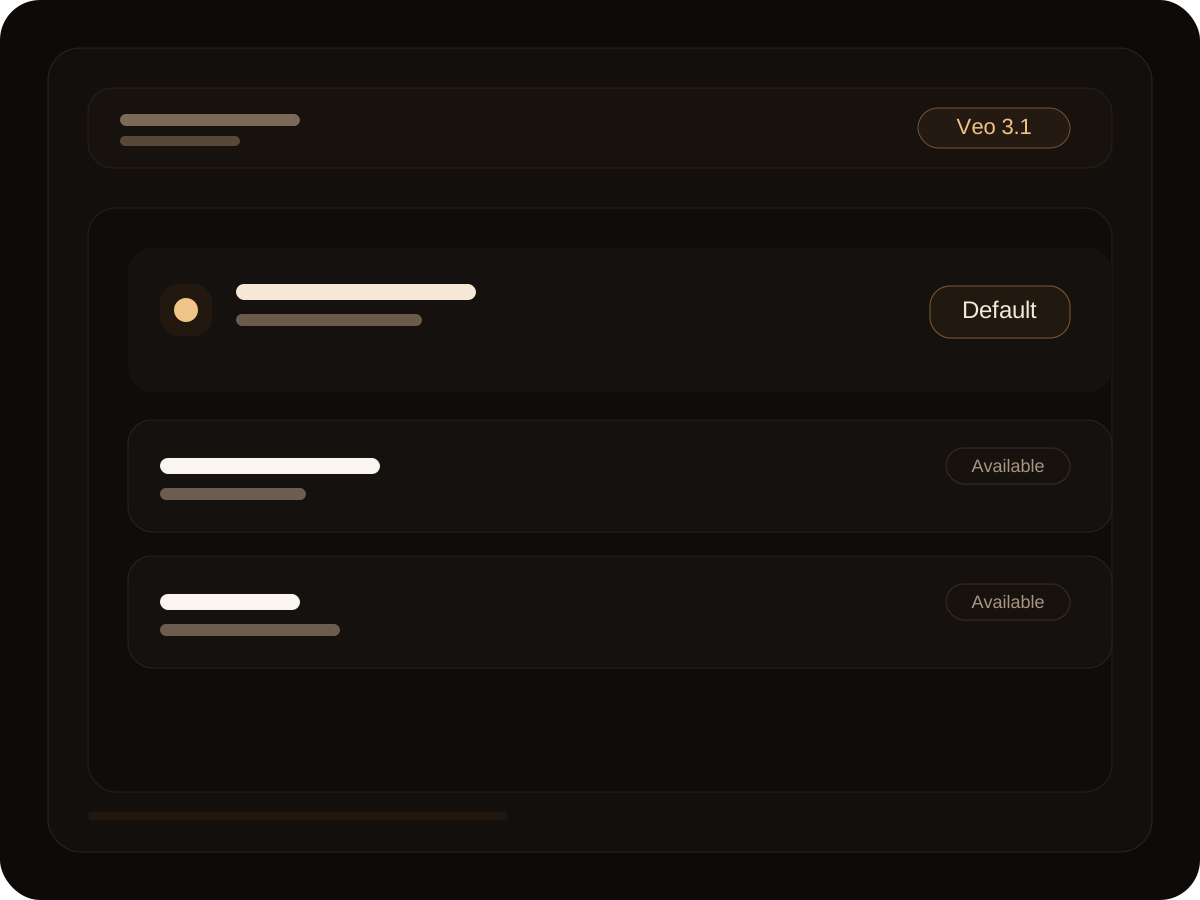
Decide whether you are starting from a prompt or a reference image, then switch between Veo 3.1, Veo 4, Veo 3, or other available video routes from one page.
This section follows the Artlist use-case framing, but the categories are tuned to the teams that actually use the local video models and workflows.
Try AI Video GeneratorGenerate visual concepts, scene studies, style tests, and storyboard-friendly clips before heavier production work begins.
Use the page for campaign concepts, launch teasers, and rapid ad-direction reviews when you need multiple motion ideas quickly.
Create visual intros, short-form clips, and dynamic content assets without building a full post-production pipeline first.
The Artlist reference puts strong emphasis on models, workflows, and output quality. This version keeps that focus but translates it into the current product surface.
Model choice is visible from the start, which makes the landing flow more useful than a page that hides core options behind deeper navigation.
Prompt-led generation is still the fastest way to move from concept to a first cinematic clip when the idea starts as language.
Reference-driven motion helps convert still campaign images, frames, or concepts into short-form motion previews.
Camera language, movement, and scene tone matter as much as subject description on a serious AI video page.
A useful video landing page should acknowledge delivery context, including sound cues and edit-ready visual intent, not only visuals.
Move into the unified workspace when you already know you want the full video generation controls.
Open the Veo 3.1 route if you want a dedicated model landing page instead of a broader AI video entry point.
Use the Sora 2 route when you want to compare another video model page with a more focused positioning.
The FAQ themes follow the Artlist video generator framing, but the answers are rewritten for this product and its current model setup.
Join the future of video creation with VEO 3. Access advanced AI video generator and experience it today.